Beginner’s Guide to a Rash Detection App for Beginners
Discover the beginner’s guide to using a rash detection app. Learn what it is, how it works, and how it aids in managing skin health efficiently.
Estimated reading time: 8 minutes
Key Takeaways
- A rash detection app uses AI and your phone’s camera to analyze skin photos and suggest possible causes.
- Instant, data-driven feedback offers convenience and ease of sharing with healthcare providers.
- Follow a simple five-step process: download, set up, capture, input symptoms, and interpret results.
- Apps have benefits and limitations—use them as a supplement, not a replacement for professional diagnosis.
- Best practices in lighting, photo composition, and logging can help improve analysis and safe use.
Table of Contents
- Understanding Rashes
- Overview of Rash Detection Apps
- Step-by-Step Beginner’s Guide
- Benefits and Limitations
- Best Practices and Safety Tips
- Conclusion
- FAQ
Section 1: Understanding Rashes
A rash is any change in skin texture or color—think redness, bumps, scales, or blisters. Identifying a rash early can help you decide between self-care or seeking medical attention.
Common Causes of Rashes
- Allergic reactions: Contact with poison ivy, certain foods, or cosmetics.
- Infections: Bacterial (impetigo), viral (chickenpox, measles), or fungal (ringworm).
- Heat and sweat irritation: Often called heat rash or prickly heat.
- Immune disorders: Eczema (atopic dermatitis), psoriasis, or lupus.
- Medication reactions: Some drugs can cause hives, redness, or more severe skin reactions.
Why Early Identification Matters
- May help prevent the rash from worsening or spreading.
- Can guide you to the right self-care steps or professional help.
- May help speed up recovery and reduce discomfort.
Important: If your rash is severe, spreading, painful, blistering, or persistent, or if you have symptoms like fever or swelling, see a doctor or dermatologist promptly for diagnosis and treatment.
Section 2: Overview of Rash Detection Apps
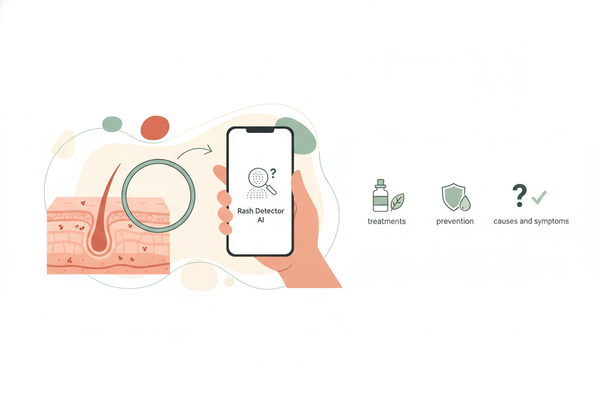
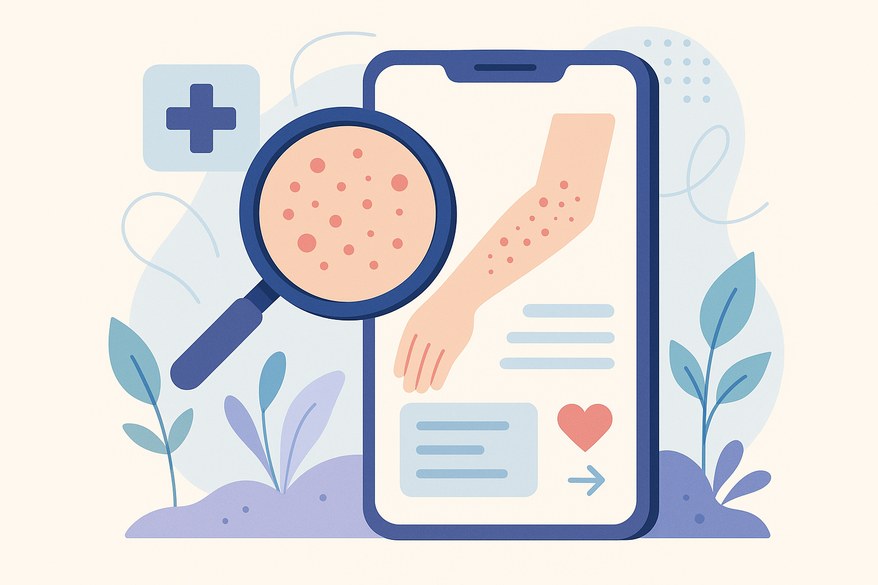
A rash detection app uses image recognition and AI to analyze your photos, compare them to a database of skin conditions, and may offer:
- Possible causes and care suggestions based on general dermatology information
- Symptom tracking with photo logs and notes
- Interactive Q&A to refine results and improve AI suggestions
- On-device or secure cloud processing for enhanced privacy
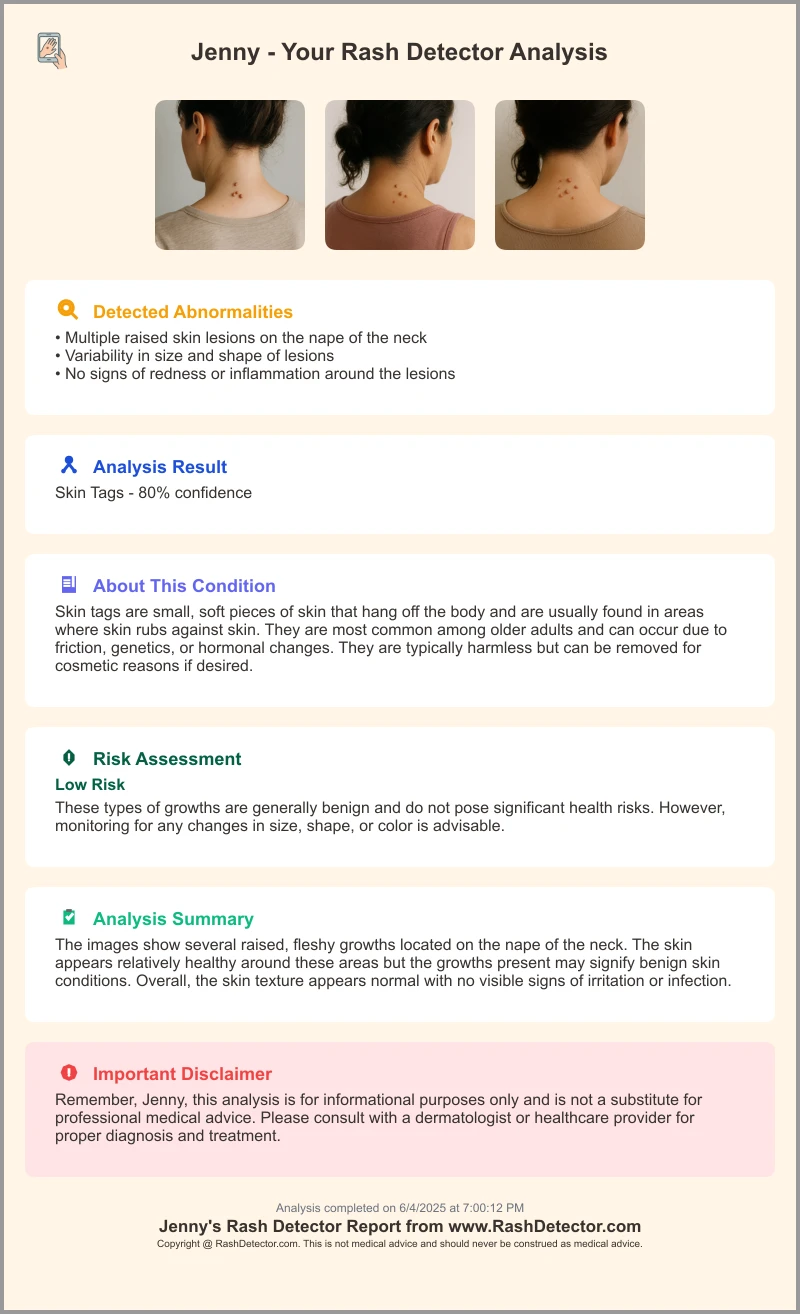
For example, the Rash Detector Skin Analysis App features a user-friendly interface and delivers reports within seconds. Many leading apps have improved their AI models, now using larger, more diverse skin image datasets and supporting multiple skin tones for better inclusivity and accuracy.
Core Features (2026)
- Instant skin analysis: Rash ID on App Store
- Symptom input: add itchiness, pain level, duration, and recent exposures for tailored results via App Store
- Interactive AI chat: guided Q&A on the Rash ID website
- Symptom tracking: save photos and notes with AI Dermatologist on Google Play
- Data privacy: on-device or encrypted cloud processing by Aysa and others
- Multi-language support and improved accessibility features
Some apps now offer integration with telehealth platforms, allowing you to securely share your rash history and images with a dermatologist for virtual consultations (may require an in-app purchase or subscription; prices vary and may range from free basic versions to paid premium features).
Learn more and compare top apps.
Section 3: Step-by-Step Beginner’s Guide
Ready to try your first rash detection app? Just follow these steps:
- Download & Install
• Open the App Store (iOS) or Google Play (Android).
• Search for “Rash ID,” “Aysa,” or “AI Dermatologist: Skin Scanner.”
• Tap Install or Get to download.
• Some apps offer a free trial or basic version; premium features may require a subscription (see app details for pricing). - Initial Setup
• Accept Terms & Privacy Policy.
• Grant camera access for on-device AI analysis.
• Create an account or continue as a guest (note: account required for cloud backup and sharing features). - Capturing Your Rash
• Use even, natural lighting—avoid harsh glare and shadows.
• Hold the phone 6–8 inches from the rash and tap to focus.
• Take multiple shots for larger or hard-to-see areas.
• For best results, avoid makeup or creams on the area.
• For more tips, see our photo tips. - Inputting Symptoms
• Select descriptors like “itchy,” “painful,” “burning,” or “scaly.”
• Note how long it’s been present, any recent exposures (new soaps, outdoor activities), and known triggers.
• Add any other symptoms (e.g., fever, swelling). - Reviewing Results
• Explore possible causes suggested by the app.
• Read care suggestions (e.g., keep area clean, use fragrance-free moisturizers).
• Check any severity rating and follow up as needed.
• Export or share your results with a healthcare provider if desired.
• Remember: This is not a medical diagnosis, but a helpful guide. - Troubleshooting
• Restart the app or update if unresponsive.
• Clean your camera lens to avoid blur.
• Retake photos in better lighting.
• Visit the in-app FAQ or support; some apps offer live chat support during business hours.
Note: For children, elderly, or those with chronic conditions, consult a healthcare provider before relying on app guidance.
Section 4: Benefits and Limitations
Benefits
- Quick self-assessment for new or worrying skin changes (App Store).
- Convenient digital tracking versus paper journals (Google Play).
- General guidance on when to self-treat or seek help (Aysa).
- Ability to share images and logs directly with telehealth providers (available in some major apps).
- Improved support for a range of skin tones and languages.
Limitations
- Not a substitute for clinical diagnosis—consult a professional if the rash worsens, persists, or is accompanied by other symptoms.
- Accuracy depends on photo quality, completeness of input, and the app’s up-to-date database.
- Rare or complex conditions may not be recognized by the app.
- Some features, such as telehealth integration, may require payment.
Remember: Always consult a healthcare provider or dermatologist for diagnosis and treatment, especially for severe, spreading, painful, or persistent rashes.
Section 5: Best Practices and Safety Tips
Photo Best Practices
- Use consistent natural light—morning or late afternoon works well for many people.
- Place a neutral (white or light) background behind the rash if possible.
- Hold the camera steady; crop afterward if needed.
- Avoid applying creams, ointments, or makeup before taking photos.
Logging Routine
- Record dates, locations, and note any treatments tried.
- Track symptoms over time to spot trends or triggers.
- Update logs after any medication changes or new exposures.
Red-Flag Symptoms
- Fever with the rash.
- Rapid spread over large areas.
- Swelling of face, lips, tongue, or limbs.
- Severe pain, blistering, or open sores.
- Difficulty breathing or swallowing.
If you notice any red-flag signs, seek immediate medical attention.
Use as a Supplemental Tool
- Treat the app as an aid, not a replacement for a doctor’s exam.
- Always follow up with a healthcare provider for serious, persistent, or worsening rashes.
- For children, the elderly, or those with weakened immune systems, err on the side of caution and consult a doctor early.
Conclusion
You’ve learned how a rash detection app works, how to install and use one, and best practices for more accurate results:
- What a rash detection app is and why it may be valuable.
- Steps to download, set up, capture images, and interpret feedback.
- Key benefits, limitations, and safety tips to keep in mind.
Ready to take control of your skin health? You can try Rash ID, Aysa, or AI Dermatologist: Skin Scanner for faster insights and peace of mind.
Remember: These tools are for educational purposes only. For diagnosis and treatment—especially for severe, spreading, painful, or persistent rashes—always see a doctor or dermatologist.
Further Resources
FAQ
What is a rash detection app?It’s a smartphone tool that uses AI and computer vision to analyze skin photos and suggest possible causes and care tips. As of 2026, some leading apps support a wider range of skin tones and offer more personalized feedback.How accurate are these apps?Accuracy varies with photo quality, symptom details, and the app’s database; they may be helpful for self-assessment but are not infallible. Always consult a healthcare provider for diagnosis and treatment.Can I rely solely on the app for diagnosis?No—these apps are supplements, not replacements for professional medical evaluation. Use them for guidance and tracking, but see a doctor for any serious or persistent symptoms.What if the app flags a serious rash?If the app indicates severe, spreading, or rapidly worsening symptoms, or if you have fever, swelling, or pain, seek immediate medical attention.