AI Rash Detector App: Compare Top Photo Rash Diagnosis and Software
Explore AI rash detector apps for photo rash diagnosis online, comparing free vs. premium options to find the best software for accurate, private skin analysis.
Estimated reading time: 12 minutes
Key Takeaways
- AI-driven dermatology: Advanced machine learning and computer vision analyze rash images in seconds, offering preliminary insights.
- Accuracy: Some tools report high match rates in controlled settings, with ongoing improvements as datasets grow. However, real-world accuracy may vary depending on the condition and image quality.
- Wide access: Upload pictures via mobile apps or web interfaces for instant, on-demand feedback from anywhere.
- Free vs. Premium: Basic checks are often free; premium plans may offer deeper reports, teledermatology, and EHR integration.
- Privacy & compliance: Look for HIPAA/GDPR alignment, explicit consent protocols, and clinical oversight in all reputable apps.
Table of Contents
- 1. Overview of AI rash detector app & photo rash diagnosis online
- 2. Detailed Look at AI rash detector app with Upload Picture Dermatology Tool
- 3. Comparative Review: Photo rash diagnosis online Tools
- 4. Exploring the Upload Picture Dermatology Tool
- 5. Free vs. Premium: Skin analyzer app free and Best rash detection software
- 6. Key Features of AI rash detector app Solutions
- 7. User Guidance for Upload Picture Dermatology Tool
- 8. Conclusion and Recommendations for AI rash detector app & best rash detection software
- 9. Additional Resources for Skin Analyzer App Free & Best Rash Detection Software
1. Overview of AI rash detector app & photo rash diagnosis online
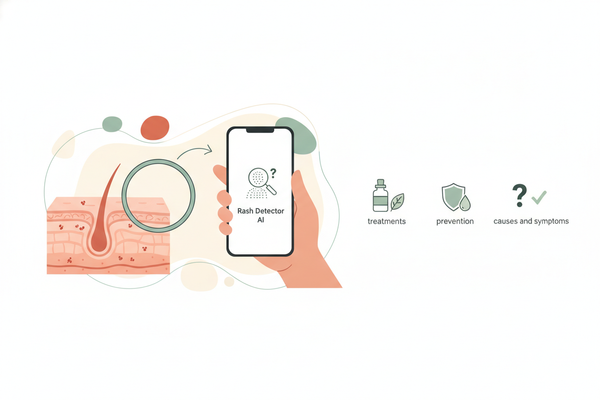
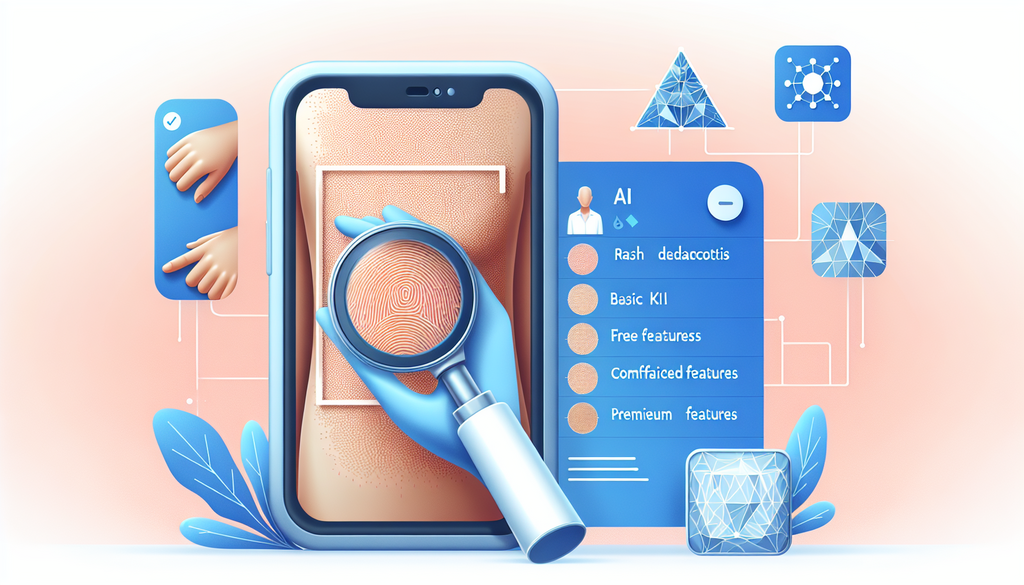
AI rash detection leverages deep learning and computer vision to examine images of rashes, spots, and lesions, suggesting possible skin conditions within seconds. This technology aims to increase access to dermatologic information, enabling users to perform early checks and potentially reduce unnecessary clinic visits.
- Modern machine learning models are trained on large numbers of annotated images, encompassing a wide range of skin tones, ages, and conditions.
- Some tools, such as Google Derm Assist, are trained on hundreds of skin conditions and have reported high match rates in controlled studies, though real-world performance may differ.
- Online photo rash diagnosis is designed for rapid, preliminary checks and is accessible through both web and app platforms.
These tools analyze pixel-level details, shape, color, and texture, mimicking specialist pattern recognition. Some are validated by peer-reviewed research and may feature continuous learning from anonymized user data, with the goal of improving accuracy for diverse populations.
2. Detailed Look at AI rash detector app with Upload Picture Dermatology Tool
Main features & benefits:
- Instant photo analysis of rashes, spots, and moles using high-resolution smartphone cameras.
- Personalized guidance on next steps, which may include home care, over-the-counter options, or dermatologist referrals.
- Access to a dermatology database, which may be updated with new clinical validations and user-contributed images (with consent).
Photo integration workflow:
- User taps the “Upload Picture Dermatology Tool.”
- Snap or select a clear, well-lit image of the affected skin area.
- AI examines color, lesion borders, symmetry, and surface texture.
- The app displays the top condition matches with confidence scores (accuracy may vary by condition and image quality).
- Users receive tailored recommendations: self-care, OTC remedies, or professional consultation, sometimes with direct links to telehealth services.
These features are designed to help users perform a preliminary skin check without medical training, and many apps include in-app education about when to seek urgent care.
3. Comparative Review: Photo rash diagnosis online Tools
Process for any photo rash diagnosis online tool:
- Capture or select a high-quality, focused photo of the rash.
- Submit via app or secure browser interface.
- Wait several seconds for AI analysis, with real-time progress feedback.
- Receive a ranked list of possible conditions and clear next-step recommendations.
Dedicated apps vs. web-based tools:
- Access: Mobile apps offer convenient, on-the-go checks and offline features. Web tools run on any device with a browser—no install required.
- UI/UX: Apps provide guided photo capture, reminders, and history tracking; web interfaces now feature drag-and-drop uploads and step-by-step progress indicators.
- Speed & accuracy: Both formats deliver near-instant results if using robust, up-to-date AI models. Apps may leverage device hardware for enhanced photo quality.
- Convenience: Apps require downloads but often provide offline access and push notifications; web tools are instantly accessible but require internet connectivity.
4. Exploring the Upload Picture Dermatology Tool
Uploading and analysis:
- Capture a well-lit, focused image; some apps prompt you to retake blurry or underexposed photos.
- Optional: Use built-in annotation or marking tools to highlight affected areas.
- AI processes color gradations, edge sharpness, and texture patterns with algorithms designed for a range of skin tones.
- Results display likely diagnoses, confidence percentages, and educational links about each condition.
- Next-step guidance may include self-care, teledermatology options, or urgent care prompts if concerning features are detected.
Technological reliability:
- Modern datasets now include images from all Fitzpatrick skin types, aiming to improve reliability across diverse populations.
- VisualDx powers apps like Aysa, with many years of curated clinical images and regular updates.
- Some tools, such as Google Derm Assist, are regularly reviewed by dermatologists and cover hundreds of conditions.
5. Free vs. Premium: Skin analyzer app free and Best rash detection software
Free options (e.g., Medgic):
- Basic AI-driven checks and instant lists of possible conditions at no cost.
- General educational advice and links to trusted resources.
- Some apps offer limited in-app journaling for rash monitoring.
Premium enhancements:
- Detailed PDF or interactive reports with annotated images and progression tracking.
- Priority in-app chat or video calls with board-certified dermatologists (teledermatology).
- Integration with electronic health records (EHR) and insurance claims support.
- Personalized reminders and care plans, especially for chronic skin conditions.
Criteria for selecting the best rash detection software: AI accuracy, user interface clarity, data privacy (HIPAA/GDPR), clinical oversight, and responsive support are important. Ensure the tool is regularly updated and includes diverse skin representations.
6. Key Features of AI rash detector app Solutions
- AI-powered image analysis, trained on diverse, up-to-date datasets.
- Real-time instant feedback with confidence scores and suggested next steps.
- Guided photo capture and quality checks to ensure optimal input images.
- End-to-end data encryption, granular user privacy controls, and HIPAA/GDPR compliance.
- Built-in prompts recommending professional care when concerning features are detected.
- Expert partnerships (e.g., VisualDx & Aysa) and ongoing clinical oversight for trustworthiness.
- Optional: In-app journaling, teledermatology integration, and EHR compatibility for seamless care.
Many leading apps now include reminders for follow-up photos and educational modules about common and rare skin conditions.
7. User Guidance for Upload Picture Dermatology Tool
- Install or open the AI rash detector app or visit the secure web tool.
- Frame the rash in a well-lit area; use device flash or natural daylight if needed.
- Follow guided prompts to upload or capture the image via the upload picture dermatology tool.
- Wait for the AI assessment; watch progress indicators for real-time feedback.
- Review a ranked list of possible conditions, each with a confidence percentage and educational links.
- Follow next-step recommendations: self-care tips, telehealth links, or instructions to seek urgent care if needed.
Important: These tools provide educational and preliminary information only. For diagnosis and treatment—especially for severe, spreading, painful, or persistent symptoms—see a doctor or board-certified dermatologist.
8. Conclusion and Recommendations for AI rash detector app & best rash detection software
AI rash detector apps have made early skin health checks more accessible and faster. Free options like Medgic are suitable for occasional checks and general education. For more comprehensive reports, teledermatology, and EHR integration, premium solutions—such as Aysa (VisualDx-powered) and Google Derm Assist—offer additional features and clinical oversight.
Remember, AI-based tools are not substitutes for professional medical care. Always consult a healthcare provider for diagnosis and treatment, especially if your rash is severe, spreading, painful, or not improving.
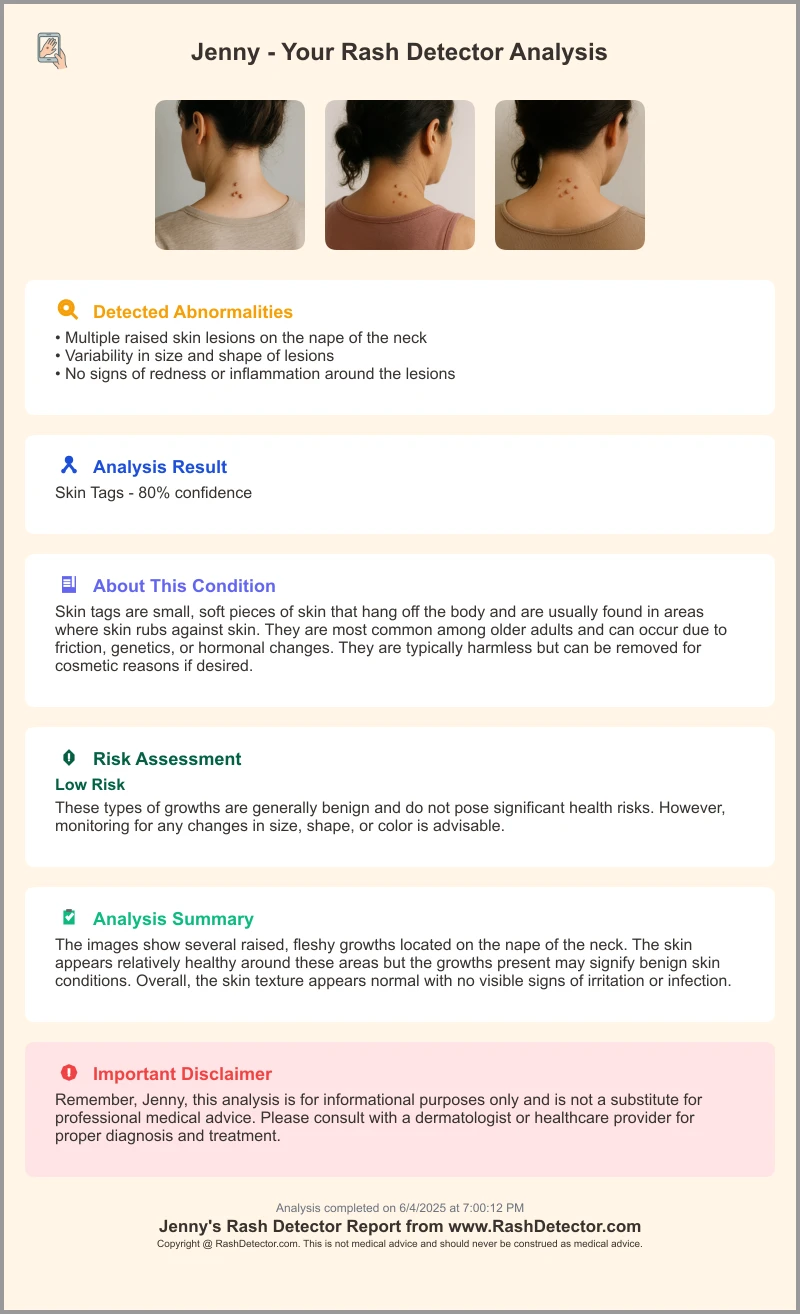
For an easy at-home test, try Rash Detector, an AI Skin Analysis App that analyzes images of your rash and delivers a report in moments.
9. Additional Resources for Skin Analyzer App Free & Best Rash Detection Software
- Aysa (VisualDx-powered dermatology AI)
- Medgic (free skin analyzer app)
- Google Derm Assist overview
- Why do I have a red rash on my neck
- Why do I have a rash on my back
- Why do I have a rash on my arm
FAQ
- What is an AI rash detector app?
It’s a tool that uses advanced machine learning and computer vision to analyze images of skin rashes and suggest possible conditions for educational purposes. - How accurate are these apps?
Accuracy continues to improve; some apps report high match rates in controlled settings, but results may vary by condition and image quality. These tools are not a substitute for professional evaluation. - Are there free options?
Yes—tools like Medgic offer basic AI-driven checks at no cost, while premium plans add expert consultations, detailed reports, and telehealth features. - Is my data safe?
Reputable apps comply with HIPAA/GDPR standards, encrypt all user images, and offer transparent privacy controls and consent options. - Can this replace a dermatologist?
No—AI apps are for educational and preliminary purposes only. Always see a doctor or dermatologist for diagnosis and treatment, especially for severe, spreading, painful, or persistent symptoms.