What Your AI Rash Report Means: A Complete Guide for Interpreting AI-Generated Skin Assessments
Learn what your AI rash report means with this comprehensive guide to interpreting AI-generated skin assessments, including tips, benefits, and limitations.
Estimated reading time: 8 minutes
Key Takeaways
- AI rash reports use image analysis and machine learning to suggest possible conditions rapidly, leveraging continually updated medical datasets.
- Reports may include visuals, ranked possible diagnoses with confidence scores, severity indicators, likely causes, and recommended actions—sometimes including links to telehealth and pharmacy services.
- These tools provide fast, consistent insights but require professional confirmation for a definitive diagnosis.
- Follow self-care guidance for mild classifications, and seek expert care for moderate to severe or worsening symptoms.
- Understand AI’s benefits (speed, consistency, accessibility) and limitations (contextual gaps, accuracy) to use it responsibly.
Table of Contents
- Introduction
- Section 1: Overview of AI-Generated Rash Reports
- Section 2: Key Components of an AI Rash Report
- Section 3: Interpreting Your AI Rash Report
- Section 4: Understanding the Benefits and Limitations
- Section 5: Practical Tips for Following Up
- Conclusion
- FAQ
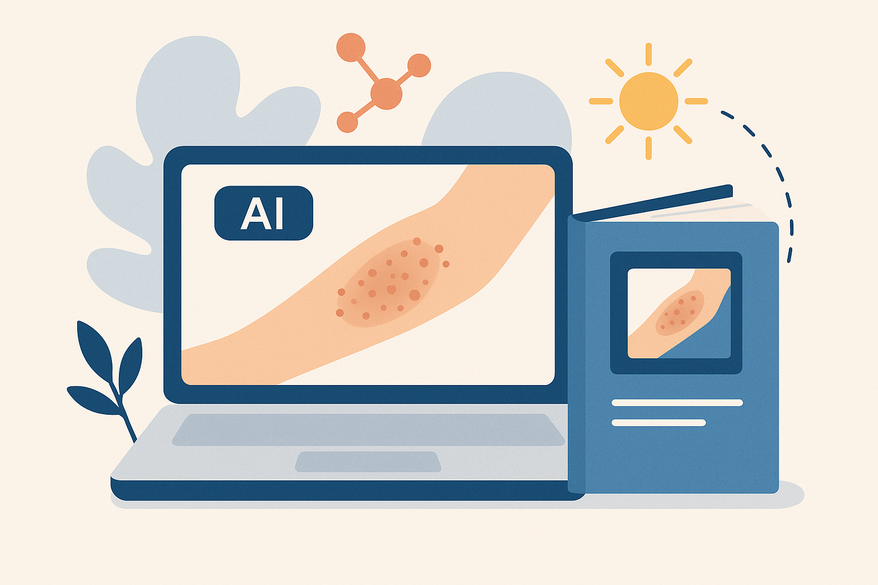
Understanding what your AI rash report means is essential as more people turn to technology for skin-health insights. An AI rash report is a digital assessment generated by machine learning systems that analyze images or descriptions of skin rashes to suggest possible conditions, severity levels, and next steps. With health apps and teledermatology on the rise, users need to interpret AI-generated rash reports responsibly. In this guide, we’ll cover:
- An overview of how AI systems create rash reports
- Key report components and medical terminologies
- Step-by-step interpretation tips
- Benefits versus limitations of AI rash assessments
- Practical follow-up advice
- Common FAQs and answers
Armed with this information, you’ll know how to read your AI rash report, what each section means, and when to seek professional medical advice.
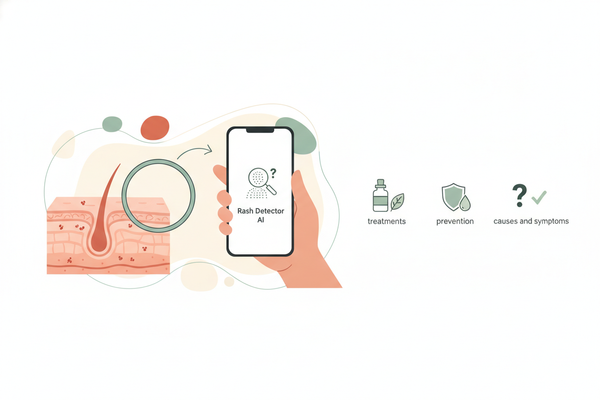
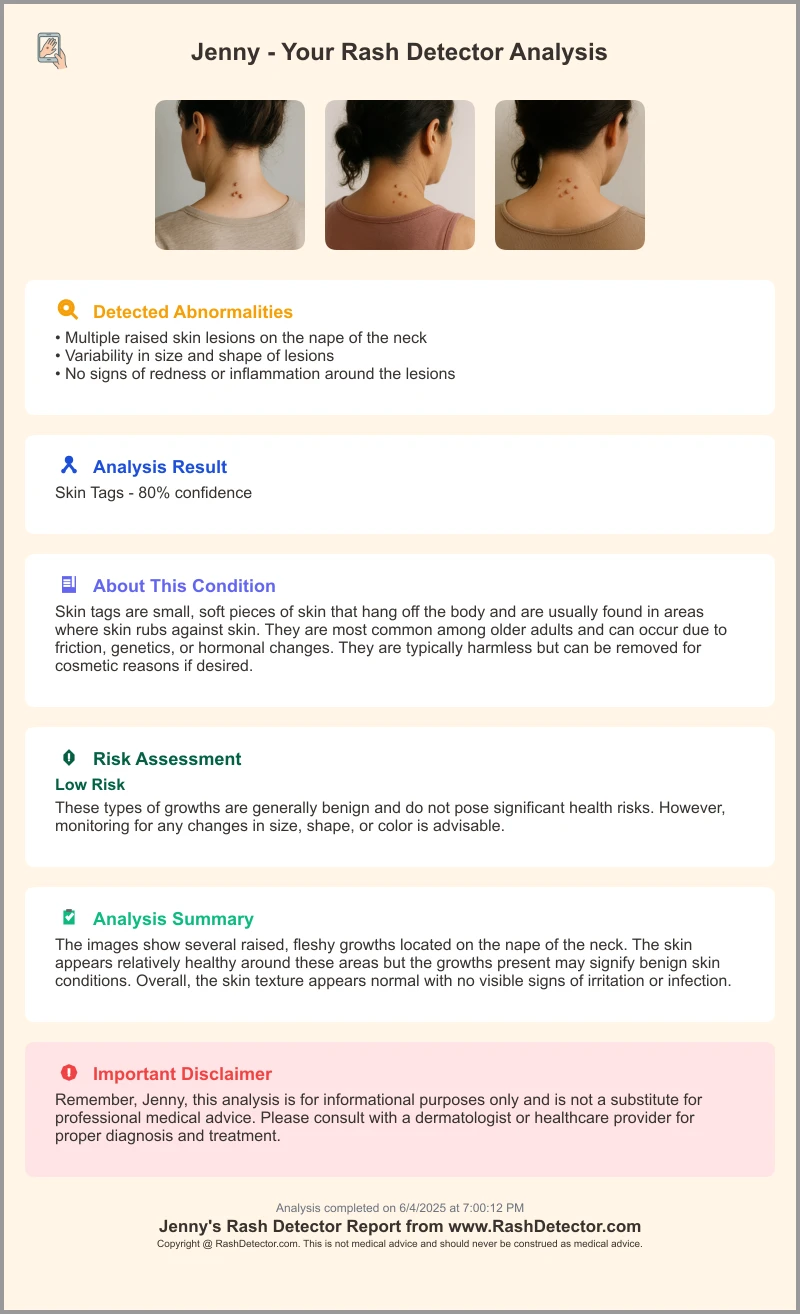
Apps like Rash Detector harness AI-driven image analysis to generate detailed rash reports in minutes, helping you identify possible conditions and next steps more quickly.
Section 1: Overview of AI-Generated Rash Reports
How AI-Generated Rash Reports Are Produced
- User Upload: You take a photo of the rash or enter symptom details in an app. Many apps support high-resolution images and secure uploads, with optional voice or text symptom descriptions.
- Image & Data Analysis: Computer vision and pattern-recognition algorithms compare your input against medical image libraries and clinical symptom databases, which may be updated with anonymized global data.
- Structured Report Output: The system compiles findings into sections—possible diagnoses, severity indicators, likely causes, and recommended actions. Some apps include links to educational resources and telehealth scheduling.
- Machine Learning Models: Deep learning networks aim to improve accuracy by training on annotated dermatology images, with newer models able to recognize a broader range of conditions and skin tones.
Distinguishing AI from Traditional Assessments
- Speed: AI offers near-instant feedback, often within minutes, while in-person visits require scheduling and waiting.
- Consistency: Algorithms apply the same criteria across cases, reducing variability from human fatigue or bias.
- Preliminary Scope: AI provides early guidance but lacks the full context of a clinician’s history-taking and feel for skin texture.
- Accessibility: Users worldwide can access AI tools on smartphones, helping to bridge gaps in dermatology coverage. Many tools are optimized for both iOS and Android, and some offer offline analysis for low-connectivity areas.
For a deeper dive into the technical process behind AI rash assessments, see How AI Diagnoses Rashes.
Section 2: Key Components of an AI Rash Report
This section breaks down the UI elements and medical terms you may see in your AI rash report.
- Image Analysis Results
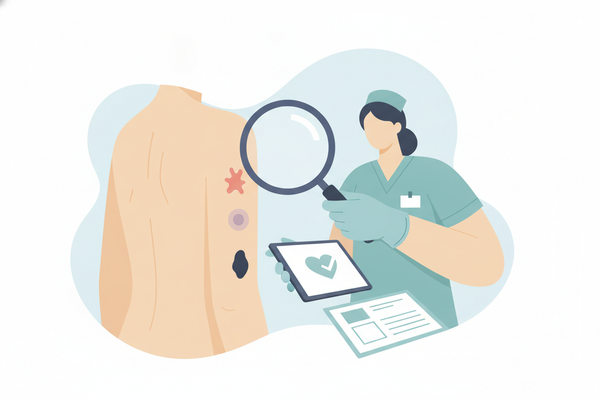
- Highlighted Areas: AI may overlay heatmaps or colored outlines on photos to show concern zones. Some overlays show boundaries and estimate lesion size.
- Visual Indicators: Hot spots often correspond to inflammation or texture changes. Some apps offer 3D mapping for raised or sunken lesions.
- Possible Diagnoses
- Ranked List: Conditions (e.g., eczema, contact dermatitis, fungal infection, psoriasis, urticaria) sorted by confidence percentage.
- Statistical Probability: Each entry shows how likely the algorithm believes that diagnosis is (see interpreting rash diagnosis scores).
- Severity Indicators
- Categories: Mild (self-care), Moderate (monitor closely), Severe (seek immediate care). Some models may also flag "potentially contagious" or "autoimmune risk" based on pattern analysis.
- Scoring Basis: Algorithmic assessment of lesion size, color intensity, spread, and sometimes patient-reported symptoms (pain, fever, etc.).
- Possible Causes
- Common Triggers: Allergens (poison ivy, nickel), infections (bacterial, viral, fungal), chronic issues (psoriasis, eczema), and medication reactions.
- Contextual Clues: AI uses pattern matching and user-inputted context (recent exposures, travel, new products) to suggest likely causes.
- Recommended Actions
- Self-Care Tips: Clean the area, consider over-the-counter treatments (like hydrocortisone or antifungal creams), avoid irritants. Some reports may include links to purchase OTC products or schedule pharmacy pickup.
- Medical Advice: When to consult a dermatologist or primary-care provider, including direct links to telemedicine services in some apps.
- Safety Note: AI guidance complements but does not replace professional diagnosis.
Section 3: Interpreting Your AI Rash Report
Follow these steps to make sense of each section in your AI rash report. Always consult a doctor or dermatologist for diagnosis and treatment, especially for severe, spreading, painful, or persistent symptoms.
- Review Visuals
- Identify highlighted zones on your skin image. Use zoom and annotation tools if available.
- Note how heatmap intensity may correspond to inflammation or lesion boundaries.
- Read Possible Diagnoses
- Examine each listed condition along with its confidence percentage. Higher scores suggest a closer match to known patterns, but are not definitive.
- Compare descriptions against your experience (e.g., itching vs. pain, acute vs. chronic onset).
- Understand Severity Classification
- Mild: May be safe for home remedies, but monitor for changes.
- Moderate: Watch for changes; schedule a checkup if symptoms persist or worsen.
- Severe: Urgent care or specialist referral recommended—especially for rapidly spreading, blistering, or painful rashes.
- Check Suggested Causes
- Look for triggers like new soaps, medications, foods, or environmental exposures.
- Confirm if AI noted recent travel, pet contact, or occupational hazards. Many apps now prompt you to confirm or add context for more accurate suggestions.
- Follow Recommended Actions
- Follow self-care guidance: use hypoallergenic cleansers, cool compresses, or topical treatments as advised.
- Seek medical attention when AI flags urgent conditions, or if symptoms worsen, spread, or do not improve within several days.
Section 4: Understanding the Benefits and Limitations
This section weighs the advantages of AI rash reports against their potential pitfalls.
Benefits of AI Rash Report
- Speed: Instantaneous results, reducing wait times for preliminary insight.
- Consistency: Uniform analysis unaffected by human fatigue or variation in expertise.
- Broad Data Reference: Access to large numbers of skin images and symptom records for pattern matching, including diverse skin tones and a range of conditions.
- Accessibility: Available to users in remote or underserved regions, with many apps supporting multiple languages and offline use.
Limitations of AI Rash Report
- Diagnostic Accuracy: May miss rare, atypical, or nuanced presentations that a trained dermatologist would catch. Lighting, image quality, and user-provided data can impact results.
- Contextual Gaps: Often lacks complete patient history, lifestyle factors, or co-morbidities unless manually provided. AI cannot assess symptoms like pain intensity, fever, or systemic illness without user input.
- Professional Oversight Needed: AI serves as guidance, not definitive diagnosis—clinical correlation required. Only a licensed healthcare provider can confirm the cause and recommend appropriate treatment.
Data security is also critical—learn more about ensuring your information is protected in rash diagnosis tools at rash detection app data security. Many reputable apps use end-to-end encryption and comply with privacy regulations (such as HIPAA, GDPR, and other regional standards).
Section 5: Practical Tips for Following Up
- Do Not Self-Treat Solely on AI Insights – AI can guide home care but may miss deeper causes. Always consult a doctor or dermatologist for diagnosis and treatment, especially for severe, spreading, painful, or persistent rashes.
- Seek Professional Care for Severe Flags – If the report indicates “severe” or urgent conditions, schedule a telehealth or in-person visit as soon as possible. Some apps provide direct booking links.
- Save & Share Report Outputs – Download PDFs, screenshots, and heatmaps. Provide these to your healthcare provider for quicker evaluation and more informed care.
- Record Additional Details – Track other symptoms: fever, pain, itchiness intensity, duration, and progression. Note medical history: allergies, chronic conditions, recent travel, and medication changes.
- Review App Privacy Policies – Confirm data encryption, user-consent practices, and whether your images or data may be used for research or AI training.
Conclusion
Knowing what your AI rash report means can empower you to take informed next steps for your skin health. We’ve covered:
- How AI systems generate rapid, consistent rash assessments
- Core report components—visuals, possible diagnoses, severity indicators, causes, and recommended actions
- Step-by-step interpretation to understand confidence levels and urgency
- Key benefits (speed, consistency, data breadth, accessibility) and limitations (accuracy gaps, contextual needs)
- Practical follow-up tips to guide safe use
Remember, AI-generated reports are supportive tools that augment—but do not replace—professional medical evaluation. Combine your AI insights with expert clinical advice to ensure the best outcomes for your skin health. If you have a rash that is severe, spreading, painful, or persistent, always see a doctor or dermatologist for diagnosis and treatment.
FAQ
How accurate are AI rash reports?Accuracy varies by platform and condition. AI may be helpful in identifying common rashes like eczema or contact dermatitis, and accuracy can improve with new data and model updates. However, AI is less reliable for rare, atypical, or complex skin presentations. Only a healthcare professional can provide a definitive diagnosis.Can I use my AI rash report to self-diagnose and treat?No. AI reports offer guidance but are not a substitute for professional evaluation. Always confirm diagnosis and treatment plans with a licensed healthcare provider. Never delay or avoid medical care based on AI results alone.What if the report is unclear or conflicting?Treat the AI output as one piece of information. If confidence scores are low or diagnoses conflict, share all report data with a clinician for further testing or biopsy if needed. Bring your report to your appointment to help your provider understand your concerns.Are my images and data secure?Many reputable apps employ end-to-end encryption, secure cloud storage, and comply with privacy laws (HIPAA, GDPR, and relevant local regulations). Always review the app’s privacy policy before uploading personal health data, and opt out of data sharing for research if you prefer.